This article provides a quick overview of the steps I used to convert a former Dell VxRail node back into a standard Dell PowerEdge server. The objective was to remove the VxRail-specific configuration and identity, allowing the system to operate as a regular PowerEdge host for lab use and workloads unrelated to VMware or vSAN.
The server used in this example was a Dell VxRail E560F, which needed to be rebranded and restored to its original Dell PowerEdge R640 identity.
Disclamer: Remember that changing the identity and firmware baseline of former appliance hardware may have service / support implications.
Download the Dell Brand State Utility package
Start by downloading the Dell package named 4XHVW_14G_DBE_CustBSU_3_00.exe from Dell Support. It can be found here: DELL PowerEdge OEMR XL Dell-brandet ID-module
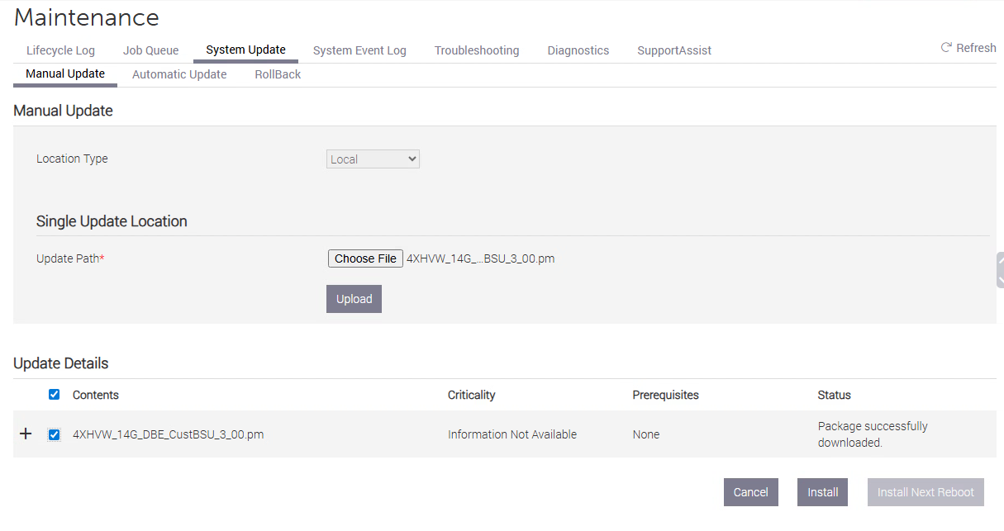
After downloading the executable, extract the contents and locate the file named 4XHVW_14G_DBE_CustBSU_3_00.pm. This is the file that will be uploaded to the iDRAC later in the process.
Apply the package through iDRAC
Log in to the iDRAC interface and power off the server before applying the package. Then go to System Update and choose Manual Update. Upload the extracted .pm file and install the package from there.
While the update is running, it is a good idea to keep an eye on the iDRAC job queue. Once the job has completed successfully, power the server back on and follow the boot process from the remote console.
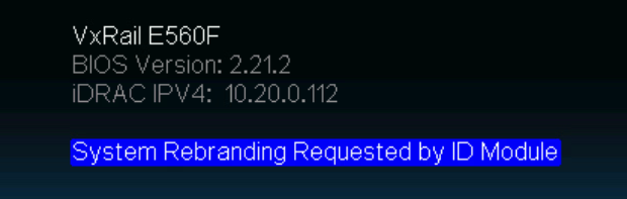
You will see this on the iDrac console while the server is booting
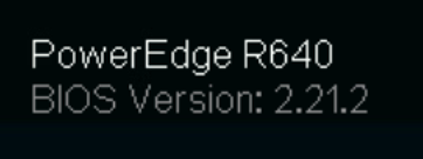
After the rebranding is completed it should look like this instead
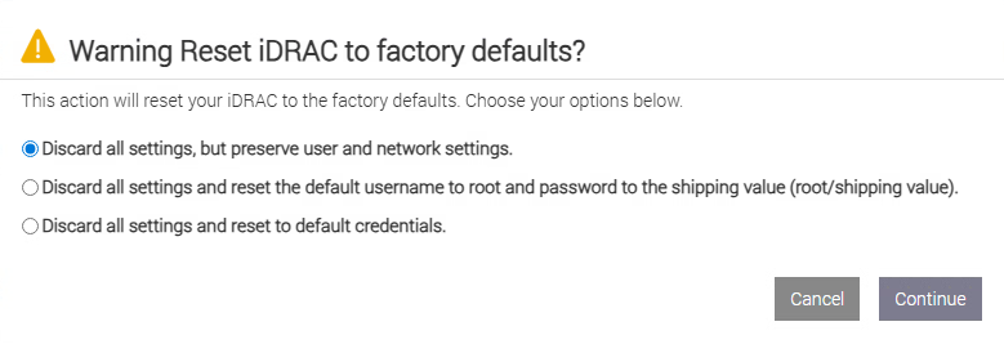
I recommend resetting the iDRAC to factory defaults after the identity change has been completed.
When the iDRAC reset has completed, perform a cold boot of the server. In practice, that means powering the server fully off and then powering it on again.
As a final step, update both iDRAC and BIOS to the latest supported versions for the platform. This helps ensure that the server is running with a clean and current firmware baseline after the conversion.
After these steps, the former VxRail node should no longer present itself as a VxRail appliance. Instead, it should behave like a normal Dell PowerEdge server that can be managed and configured in the usual way.


1 comment